Recognised TÜV SÜD Training Partner
TÜV SÜD Approved Automotive Training Partner
Earn a certificate recognised in 150+ countries including Germany, UK, GCC, Europe & Australia
4.8/5 from 250+ Reviews
5,000+
Students Trained
150+
International Placements
94%
Placement Rate
18
Years Experience
Why Choose Reynlab?
Complete career transformation with global recognition
Featured Courses
Choose from our range of industry-accredited automotive training programs. All courses include hands-on labs, international certifications, and job assistance.
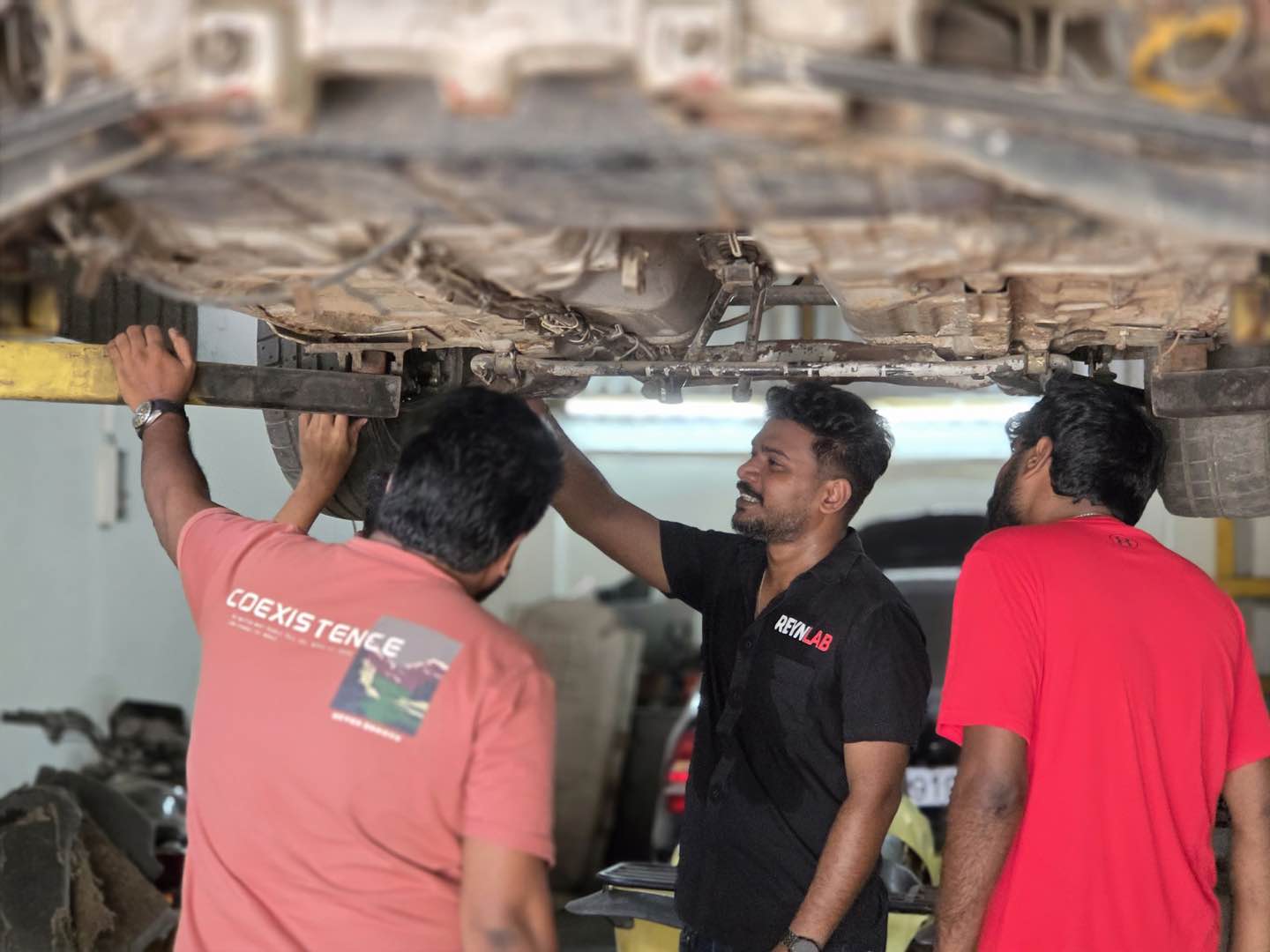
Master Automotive Technician
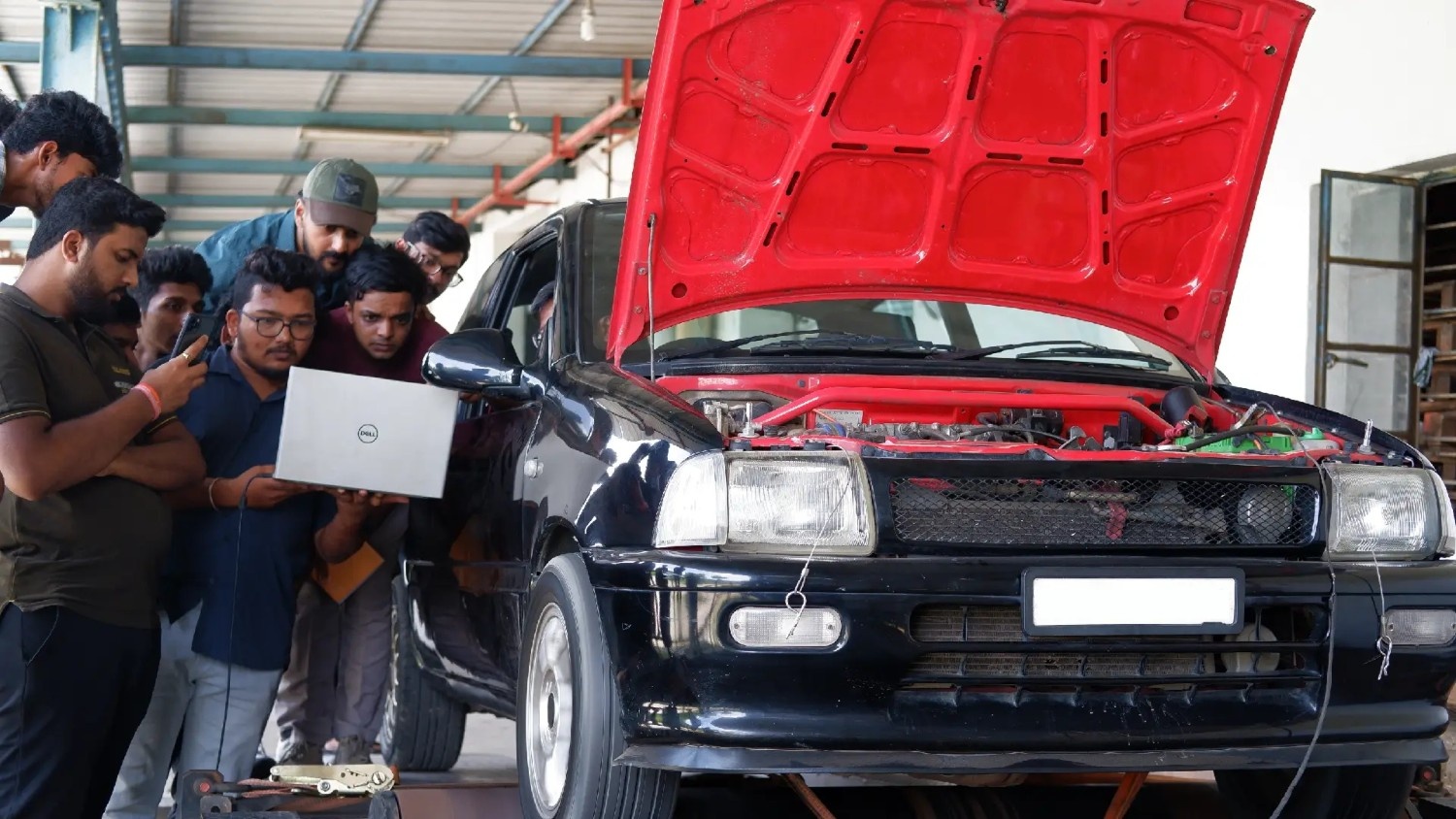
ECU Tuning & Remapping
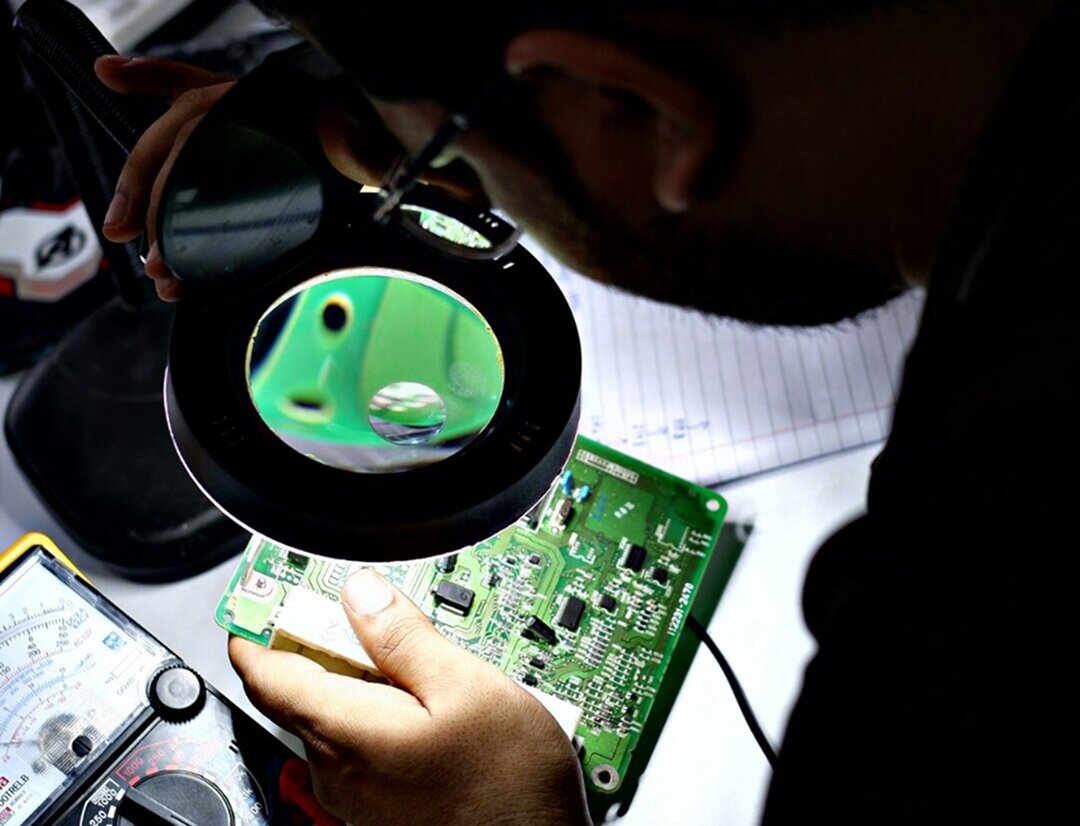
ECU Repair & Chip Level Service
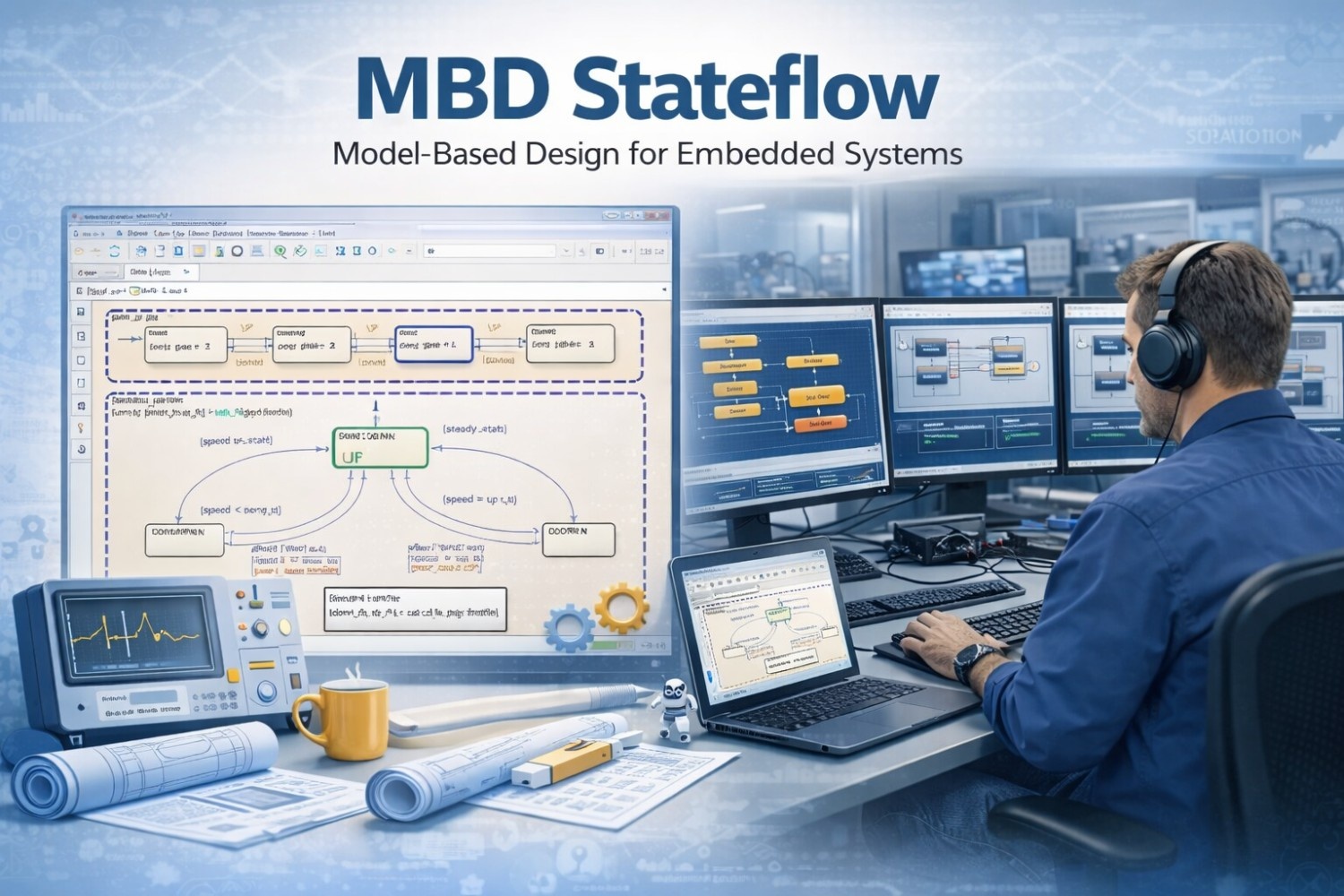
Model-Based Development
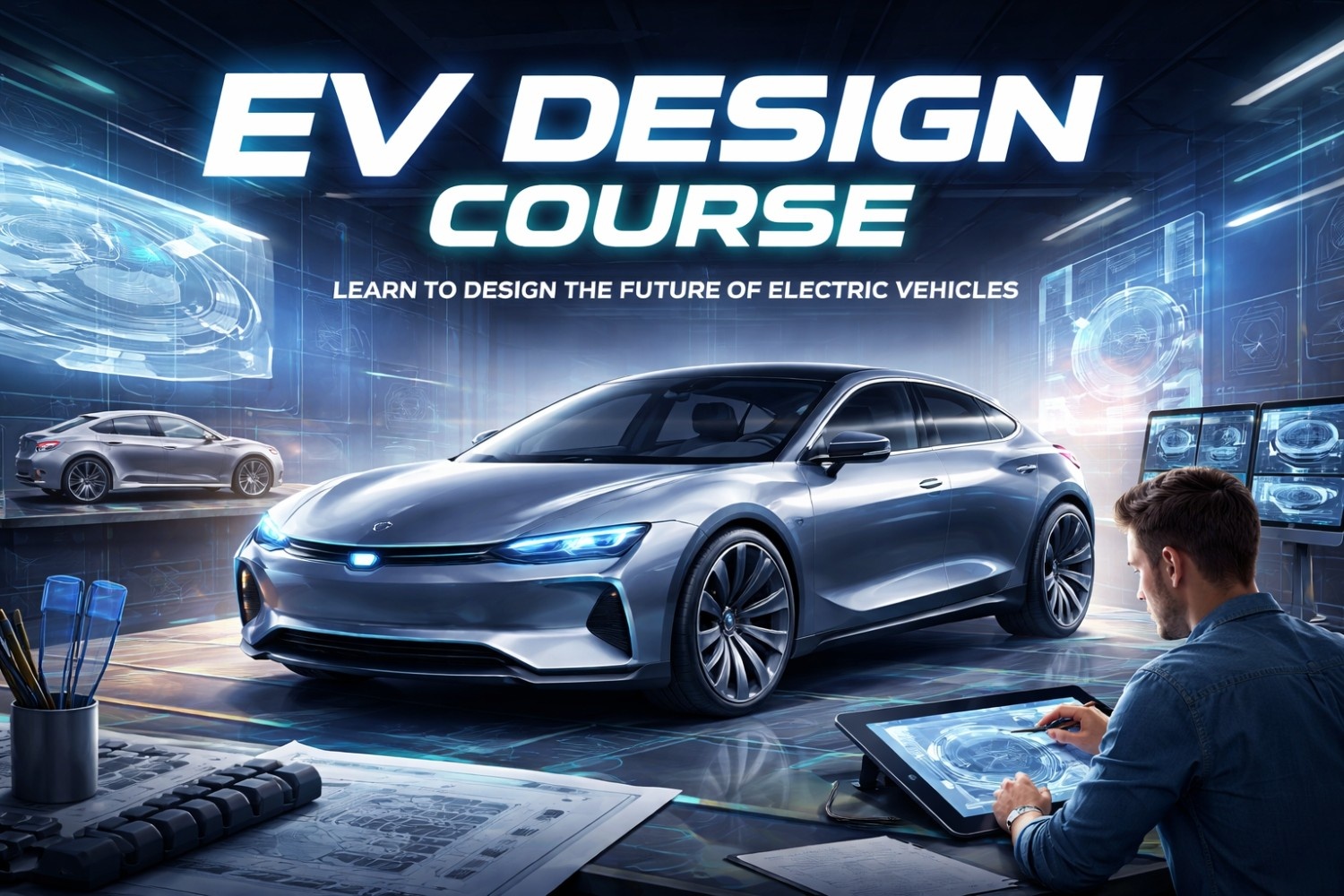
EV Design & Development
Train on Digital Twins of Real Vehicles
Not a simulation. A digital twin of real OEM fault scenarios. Physics-first engine modelling validated against factory test data — exactly what OEM engineers use.
BMS Design & Validation Lab
Design, stress-test, and validate battery management systems using OEM fault data
Combustion Analysis & Calibration Workbench
Analyse in-cylinder combustion events and calibrate engine control parameters
Electric Drive Characterization Lab
Characterise motor-inverter performance across the full torque-speed envelope
Fault Diagnosis & Root Cause Analysis Lab
Diagnose real OEM fault scenarios using industry-standard diagnostic protocols
From Garages to Global Companies
5,000+ students have transformed their careers with Reynlab.
4.8/5
from 250+ Google Reviews
“I had a very good experience with Reynlab — I opted for Model-Based Development with Master Technician, ECU Tuning and Remapping. The MT course built my technical fundamentals; in MBD I trained on Matlab, Simulink, embedded, Git and Jira, plus OEM methodologies like Agile, V-model and automotive architecture. Reynlab supported my placement — I got placed as a HIL Validation Engineer at DEP, deputed for FORD projects.”
Nikhil Venkatesh
MBD · Master Technician · ECU Tuning & Remapping
“ReynLab gave me a new direction in career & life. When I was struggling for a breakthrough into the Indian OEM automotive industry, the MBD, ECU Repair & Master Tech courses gave me real insight into automotive tech — and later helped me get work in the UK's automotive remanufacturing sector.”
Rajat
MBD · ECU Repair · Master Technician
“Taking the course at Reynlab was the best career decision of my life. A friend recommended it, and they supported me through everything. The trainers are excellent — not just theory but real practical experience. Through Reynlab’s placement support I got a job at MYTVS. I’d definitely recommend it to anyone looking to build a career in automotive.”
Nitin
Automotive Technician
“I studied at Reynlab for a year. I'm interested in the motorsports field, so I took the automotive technician and ECU remapping courses. Now I'm working as a technician at a motorsports company. Reynlab gave me strong technical and automobile knowledge — I'm happy with my profession.”
Arjun
Automotive Technician · ECU Remapping
“The best place to learn about automobiles — they teach from basic to advanced in depth. The faculty is friendly and experienced, with all the tools and equipment provided. I learnt Master Technician, ECU Tuning and ECU Repairing here, and they provided job placement for Master Technician. Come to Reynlab, start from scratch, and become a professional.”
Girish Teja
Master Technician · ECU Tuning · ECU Repairing
“I recently completed the Master Technician and ECU Tuning Remap courses and gained a lot of knowledge and skills. The Reynlab staff are amazing. As a car enthusiast, this course was perfect for me. Special thanks for the opportunity.”
Fevic Lynold · Ooty
Master Technician · ECU Tuning Remap
“Best experience at Reynlab — I took both online and offline for the ECU tuning and remapping advanced course. Great hands-on experience with various hardware tools and tuning software; it changed how I see tuning cars and motorsports, from imaginary to real-world. The instructors were patient and informative, and the offline sessions were absolutely worth it.”
@clutchking
ECU Tuning & Remapping (Advanced) — Online + Offline
Our Alumni Work at Leading Companies
17+ partner companies across 6+ countries






Ready to write your own success story?
Chat with Us on WhatsAppChoose Your Career Path
Pick the role that matches your goal and start your journey to an international automotive career
Diagnose and service modern petrol and electric vehicles with real hands-on training — the skills workshops and OEMs actually hire for.
Internationally-valid TÜV SÜD certificate — work in India or abroad
Starting salary
₹3-4.5L/year
Where you'll work
OEM service · workshops · overseas roles
Build, convert and service electric vehicles — batteries, motors and BMS — as India accelerates to EV.
STEM.ORG certified · one of the fastest-growing job markets
Starting salary
₹4.5-6.5L/year
Where you'll work
EV startups · OEMs · battery & charging firms
Tune engines and data-log real race cars with Sirius Motorsports, our racing arm — 15+ years building and supporting championship cars and bikes across India, plus a 10-year remap division still developing maps for clients today.
Learn inside a working race team
Starting salary
₹4.5-6.5L/year
Where you'll work
Race teams · tuning workshops · performance brands
Design and simulate vehicles for car makers and Tier-1 suppliers like Bosch — the engineering side of the auto industry.
Skills OEMs & Tier-1 companies recruit for
Starting salary
₹4-7L/year
Where you'll work
OEMs · Tier-1 suppliers · R&D centres
Add AI and machine-learning skills to your engineering profile — what every automotive and manufacturing employer now wants.
450% demand growth
Starting salary
₹5-8L/year
Where you'll work
Auto software · R&D · manufacturing tech
Not sure which path is right for you?
Get Career Guidance on WhatsAppFrequently Asked Questions
Got questions? We have answers. Find everything you need to know about our training programs.
Still have questions?
Our admissions team is here to help you find the perfect course for your career goals.
Reynlab Technologies is a TÜV SÜD Approved Training Partner for Automotive Service Training. We transform 10th pass students into internationally certified ECU tuners, EV designers, and motorsport engineers in 3-6 months.
- Certifications: TÜV SÜD + STEM.ORG + ASDC (Govt of India) + Blockchain NFT Certificates
- Track Record: 5,000+ students trained, 150+ international placements
- Salaries: ₹3-8 lakhs in India | $3-8k per month abroad (GCC, UK, Germany)
- Location: Chennai, Tamil Nadu | Founded 2007