How to Use an OBD Scanner for ECM Diagnosis Easily
· ECM Repair – Diagnostics & Maintenance
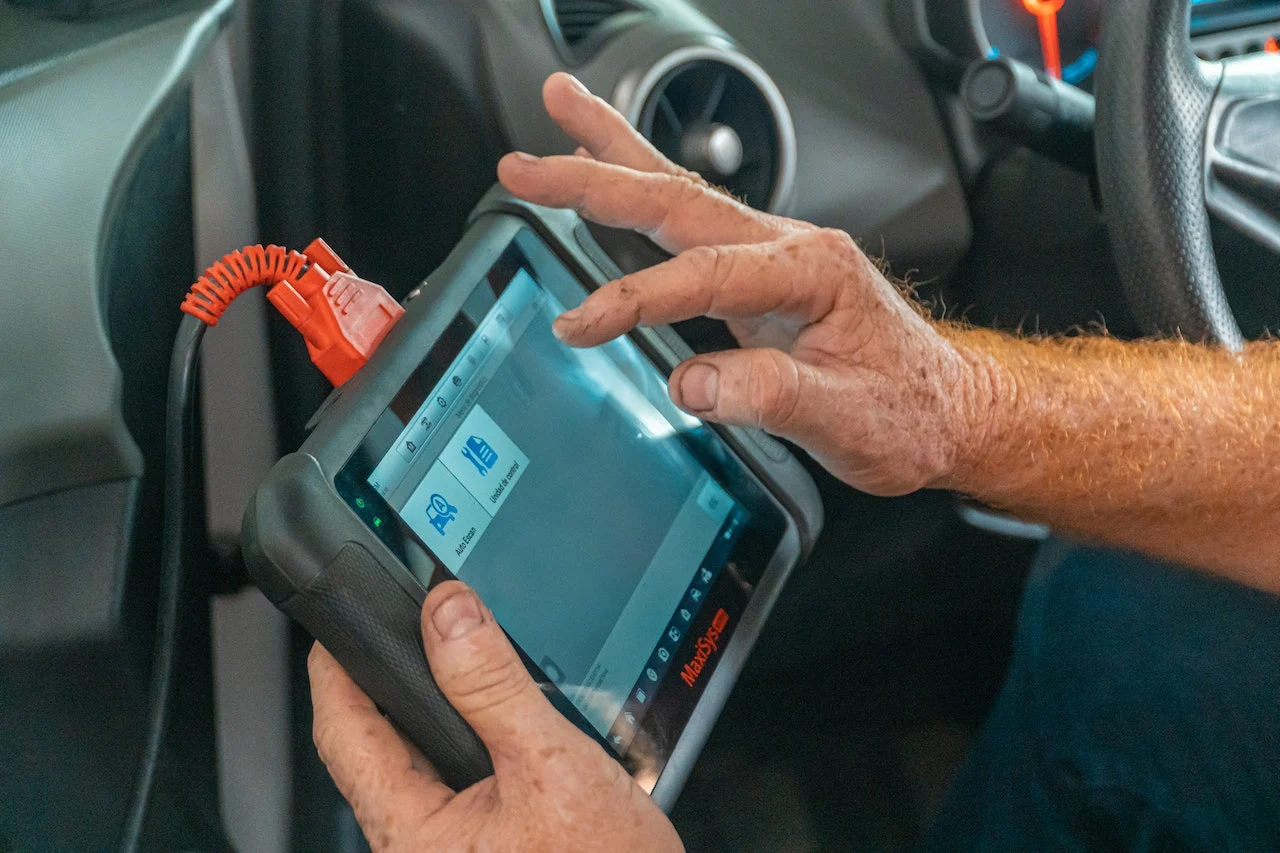
If you want to diagnose ECM (Engine Control Module) problems, the first and most important tool you need is an OBD scanner (On-Board Diagnostics tool). But most people use scanners incorrectly. They just read codes and replace parts blindly.
What is an OBD scanner?
An OBD scanner is a device that connects to your car and communicates with the ECM. It helps you read error codes, monitor live data and diagnose problems.
Where is the OBD port located?
The OBD port is usually found under the dashboard, near the steering column.
Types of OBD scanners
Basic code readers
These read and clear codes and are low cost. They are good for beginners.
Mid-level scanners
These add live data and freeze frame data. They are best for mechanics.
Advanced diagnostic tools
These offer bi-directional control and programming. They are used by professionals.
Step-by-step: how to use an OBD scanner
Step 1: Connect the scanner
- Locate the OBD port.
- Plug in the scanner.
- Turn the ignition ON.
Step 2: Establish the connection
The scanner will identify the vehicle and connect to the ECM. If it fails, check the fuse and the wiring.
Step 3: Read the error codes (DTCs)
P codes relate to the engine, B codes to the body and C codes to the chassis. For example, P0300 means misfire and P0171 means a lean mixture.
Step 4: Understand the code
A code is a clue, not the final answer. The wrong approach is to replace the part immediately. The correct approach is to investigate the root cause.
Step 5: Check freeze frame data
Freeze frame data records the RPM, temperature and load at the moment the fault was stored.
Step 6: Monitor live data
Watch RPM, fuel trim, the O2 sensor and throttle position. An O2 sensor that is stuck points to a fuel issue.
Step 7: Clear codes after the fix
Clear the codes once the repair is done, then take a test drive.
Advanced use: ECM diagnosis using a scanner
- Checking sensor inputs: an RPM of 0 points to a crank sensor issue.
- Checking fuel trim: the normal range is ±10%.
- Checking ignition timing: this lets you detect timing problems and misfires.
- Checking communication: no connection means a possible ECM issue.
Common scanner errors
- No communication: check the fuse or wiring.
- Wrong data: this is a cheap scanner issue.
- No codes: use live data.
Real workshop case study
A car came in with poor mileage. The scanner showed a fuel trim of +25%. The cause was a vacuum leak, and the solution was to fix the leak.
Key parameters cheat sheet
| Parameter | Normal | Problem |
|---|---|---|
| RPM | Stable | Sensor issue |
| Fuel Trim | ±10% | Fuel problem |
| Temp | Logical | Sensor fault |
Business opportunity
Using a scanner properly means faster diagnosis, more customers and higher earnings.
Common beginner mistakes
- Only reading codes. Use live data as well.
- Using cheap scanners, which have limited functionality.
- Ignoring data patterns. The data tells the real story.
Frequently asked questions
Can I use an OBD scanner at home?
Yes, you can use a basic OBD scanner at home for simple diagnostics. It helps you read and clear error codes, monitor basic data, and understand common issues without visiting a workshop.
Does an OBD scanner show all problems?
No, an OBD scanner does not show every problem. It provides error codes and data, but proper interpretation is required. Some issues may not generate codes and can only be identified through live data analysis and physical inspection.
What is the best scanner for beginners?
Basic or mid-level scanners are best for beginners. They are easy to use, affordable, and provide enough features like code reading and live data for learning diagnostics.
Can an OBD scanner detect ECM failure?
Indirectly, yes. An OBD scanner can indicate ECM-related issues through communication errors, abnormal data readings, or multiple system faults. However, confirming ECM failure requires deeper testing.
Is it worth buying an OBD scanner?
Yes, it is definitely worth buying, especially for mechanics and workshop owners. It saves time, improves diagnostic accuracy, and helps avoid unnecessary part replacements.
Summary
An OBD scanner is more than a code reader. It is your gateway to professional diagnostics, helping you understand problems, diagnose accurately and avoid guesswork. Use it well and you move from basic mechanic to skilled technician.
Watch our workshop videos on the Reynlab YouTube Channel. You can also explore our automotive training programs at www.reynlab.com/our-courses.