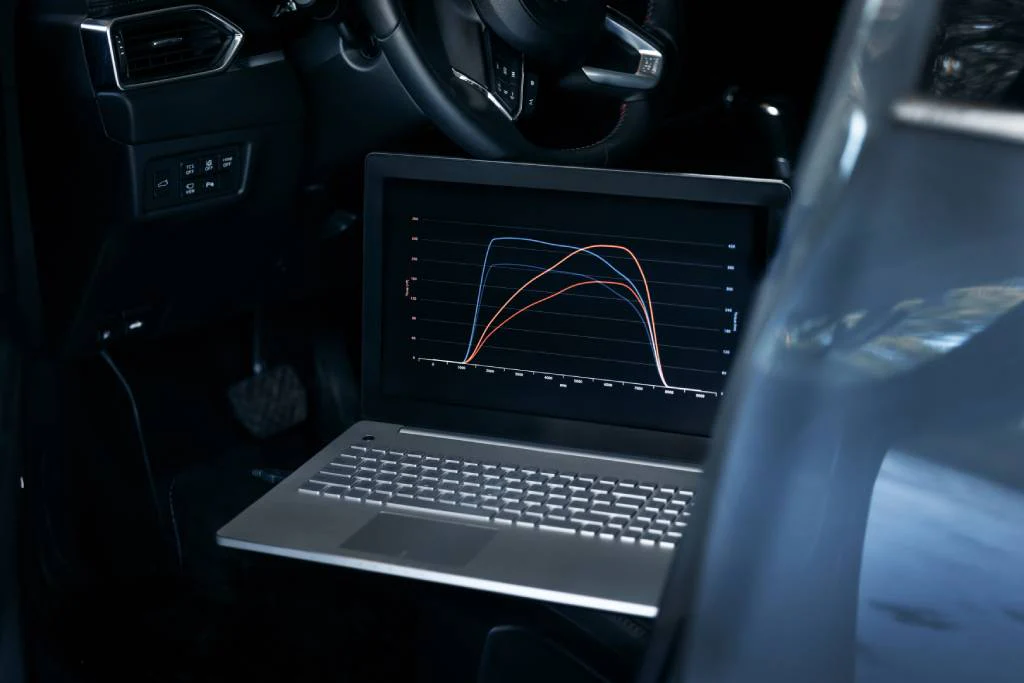
ECU tuning has evolved massively over the years. What once required complex soldering and risky hardware work can now be done using just a laptop, ECU programmer, and tuning software.
Today, in India’s growing tuning market, learning how to tune a car using a laptop (Chip Tuning) is one of the most valuable skills for automotive enthusiasts and professionals.
In this guide, we’ll walk you through everything—from basics to a practical step-by-step example.
🚗 What is ECU Remapping (Chip Tuning)?
ECU Remapping (Chip Tuning) is the process of modifying the software inside the ECU to improve:
- Power
- Torque
- Fuel efficiency
- Throttle response
It involves editing parameters such as:
- Fuel injection
- Ignition timing
- Boost pressure
🔧 How ECU Tuning Was Done Earlier
In older days:
- ECU had to be opened
- Memory chip removed
- Data read using external programmers
❌ Problems:
- Time-consuming
- Risky
- Required soldering
- ECU damage risk
👉 This made tuning difficult and expensive
⚙️ Modern ECU Tuning (Laptop Method)
Today, thanks to:
- OBD2
- CAN protocol
- Advanced programmers
👉 You can tune ECU directly using a laptop
✔ Advantages:
✔ No ECU removal
✔ Faster process
✔ Safer
✔ Beginner-friendly
🛠️ What Do You Need for ECU Tuning?
- ECU Programmer (Flasher Tool)
Used to:
- Read ECU file
- Write modified file
🔹 Types:
✔ Brand-Specific Tools
- Designed for one ECU
✔ Multi-Brand Tools
- Supports multiple vehicles
👉 Most professionals use multi-brand tools
💻 2. ECU Tuning Software
Popular Options:
- WinOLS
- ECM Titanium
✔ Purpose:
- Open ECU file
- Modify maps
- Adjust parameters
👉 ECM Titanium is beginner-friendly
👉 WinOLS is advanced
🔌 3. Laptop & OBD Connection
- Laptop for processing
- OBD cable for connection
👉 This is your main setup
⚠️ Important Concept: Checksum
Checksum is a safety algorithm in ECU.
✔ Why It Matters:
- Ensures file integrity
- Prevents ECU failure
✔ Good News:
👉 Most tools automatically correct checksum
👉 Always confirm during writing process
🔄 How to Tune a Stock ECU (Step-by-Step)
Let’s understand the real workflow.
Step 1: Vehicle Diagnosis
- Check for error codes
- Ensure vehicle health
👉 Never tune a faulty car
Step 2: Connect Programmer
- Plug OBD cable into car
- Connect to laptop
Step 3: Read ECU File
- Open programmer software
- Select vehicle & ECU
- Read file
👉 Save original file (very important)
Step 4: Open File in Software
Use:
- ECM Titanium
✔ What You Do:
- Identify maps
- Modify parameters
👉 Beginners should start here
Step 5: Modify ECU Maps
Adjust:
- Fuel maps
- Ignition timing
- Torque limiters
👉 Requires knowledge
Step 6: Save Modified File
- Export tuned file
- Keep backup
Step 7: Write File to ECU
- Connect again
- Select “Write” option
- Upload modified file
👉 Follow instructions carefully
⚠️ Important Tips:
✔ Use battery stabilizer
✔ Do not interrupt process
✔ Wait after writing
👉 These steps are critical
🧪 Practical Example (Real Scenario)
Example: BMW 325i (Siemens MS43 ECU)
Process:
- Connect tool via OBD
- Select vehicle model
- Read ECU file
- Open in ECM Titanium
- Modify maps
- Write back to ECU
👉 Vehicle is now tuned
⚠️ Common Mistakes to Avoid
❌ Editing without knowledge
❌ Skipping backups
❌ Interrupting write process
❌ Ignoring checksum
👉 These can damage ECU
🇮🇳 ECU Tuning with Laptop in India
✔ Popular Use Cases
- Stage 1 tuning
- Fuel efficiency tuning
- Performance upgrades
✔ Common Vehicles
- Maruti Suzuki
- Hyundai / Kia
- Volkswagen / Skoda
- BMW / Audi
✔ Challenges
- BS6 ECU protection
- Limited training resources
💰 Cost to Start ECU Tuning
Basic Setup:
- Tools: ₹60,000 – ₹3,00,000+
- Software: ₹50,000+
👉 Start small and upgrade
📈 Who Should Learn Laptop Tuning?
✔ Beginners
✔ Automotive Enthusiasts
✔ Workshop Owners
👉 High-demand skill
🔑 Final Verdict
Tuning a car with a laptop is now easier than ever—but still requires knowledge and care.
✔ Best Approach:
👉 Learn basics
👉 Use beginner software
👉 Practice safely
🏁 Conclusion
Laptop-based ECU tuning has revolutionized the automotive world. What was once a complex and risky process is now accessible to beginners and professionals alike.
For Indian users, this is a golden opportunity to:
👉 Build a career
👉 Start a business
👉 Enhance vehicle performance
📺 Watch a real battery testing demo here: Reynlab YouTube Channel
🌐 Explore our automotive training programs: www.reynlab.com/our-courses